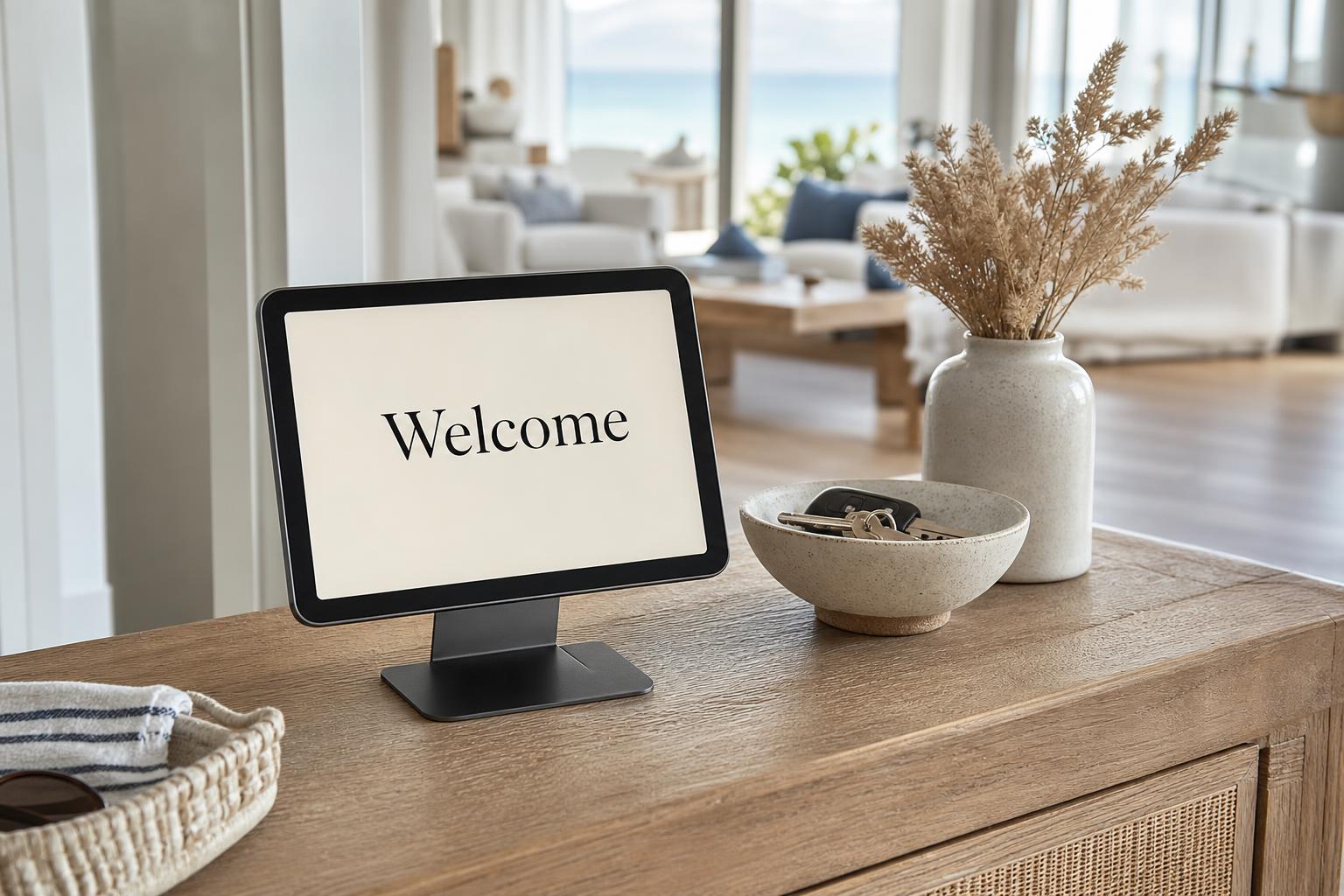
An Airbnb welcome screen is a display inside the home that greets guests and shows the Wi-Fi password, house rules and checkout time, so nobody has to text you for them. It comes in three forms: an app on the TV already in the home, a tablet or small display, and a dedicated wall screen. They differ in what guests must do to see them, what you maintain, and what they cost. Prices below come from each company’s own pages, checked on November 20, 2026.
The options at a glance
| Option | Where guests see it | Hardware | What you maintain |
|---|---|---|---|
| TV app | On the TV in the home, once it is turned on | The TV or streaming stick you already own, or a stick of about $30 | Your content and the streaming device |
| Tablet on a subscription | On a tablet left in the home | A tablet, stand and cable come with the subscription | Your content; the provider replaces broken or stolen units |
| Software on your own screen | On any TV, tablet or monitor with a web browser | Yours, or a plug-in box from $99 | Everything, including typing in the content by hand |
| Managed wall screen | On a framed screen on the wall that is always on | Included with the subscription | Browser edits only; the provider builds the profile |
TV apps: among the lowest-cost ways to put a welcome on a screen
TV apps turn the television in the home into the welcome screen. They are low-cost to start and need almost no hardware, so many hosts start here. WelcomeScreen, Hello Guest Screen, Ztalio and WelcomeSign all work this way, and Ztalio and WelcomeSign list a free plan for one property.
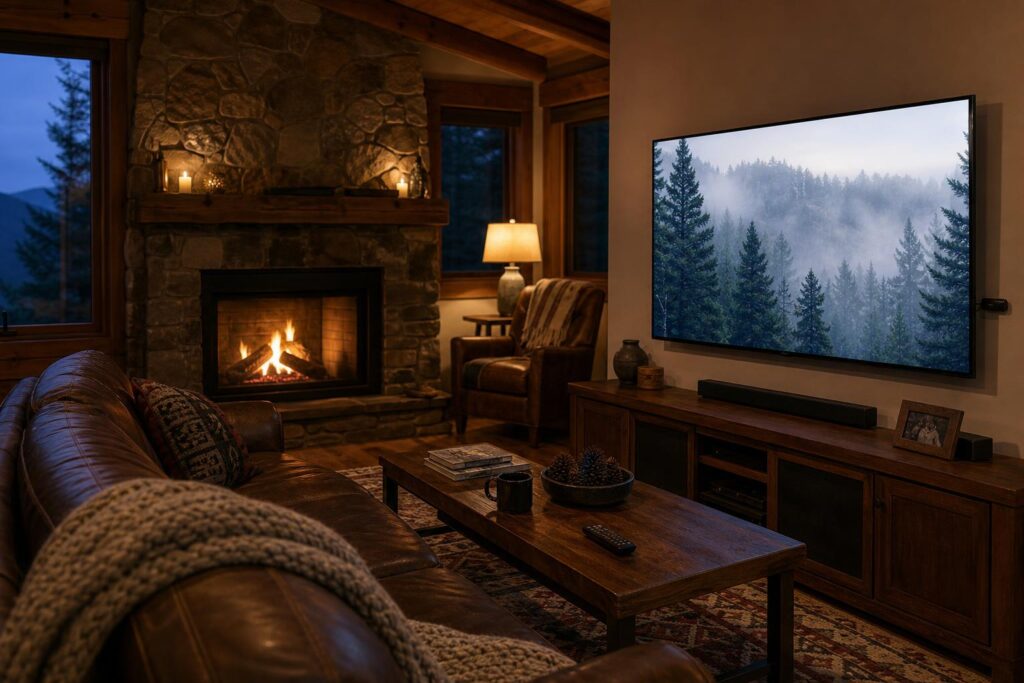
The trade-off is the screen itself. A TV app only shows up when a guest turns the TV on, and it shares that screen with everything else on it. Support also varies by TV: WelcomeSign lists Roku and Fire TV today, with its Samsung and LG apps still under review, so check your model before you commit.
Tablets and software on your own screen
A tablet gives guests something to walk up to. YourWelcome is one subscription of this kind: an 8-inch tablet, stand and extra-long cable come with the plan, and broken or stolen units are replaced for free. You pay per property, and the plan is a one-year contract billed annually.
If you would rather bring your own screen, DAKboard runs on any TV, tablet or monitor with a web browser. The trade-off is that it does not connect to Airbnb, VRBO or a property management system, so it cannot pull a guest’s name from the reservation. You type in the guest-facing details yourself and keep them current.
The managed wall screen
The fourth option is a dedicated screen that hangs on the wall and is simply there when guests walk in. GuideScreen is a fully managed wall screen: a 21.5-inch Full HD commercial touchscreen, always on, with no battery, in a Satin Black or Woodgrain frame. It is aimed at luxury and design-forward rentals, where the first thing guests see matters.
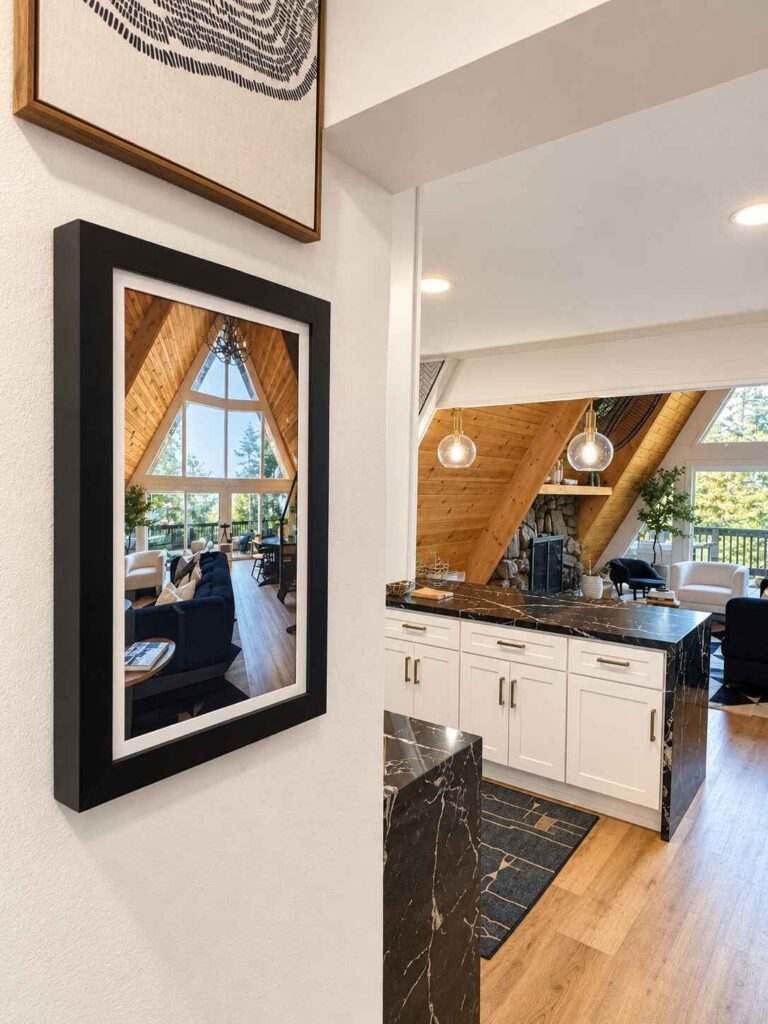
The difference from the other three is who does the work. Our team builds each property’s profile from your photos, house manual and property details, so the screen arrives ready to hang and plug in. You make later changes from a browser, with every property under one login (see the admin dashboard). Guest names and dates come from your booking calendar through iCal and property management system sync, and the screen shows house rules, a Wi-Fi QR code, curated local recommendations, a personalized welcome that greets each guest by name, and a checkout checklist (full list on the screen features page).
Guests download nothing and log in to nothing. Hardware is included with the subscription, and hardware failures are covered at no cost. A wall screen only helps once the guest is inside, so it works alongside your pre-arrival message, not instead of it. It is available in the United States only.
What each option costs
A TV app can cost under $10 a month or nothing at all, while a tablet runs several hundred dollars a year per property. These figures change, so confirm before you buy.
| Option | Entry price | Notes |
|---|---|---|
| Ztalio | Free for one screen; $4.99 a month adds video | $9.99 a month covers up to three screens |
| WelcomeSign | Free for one property | $29 a year covers up to 5 properties |
| WelcomeScreen TV App | $9.99 a month, or $8.00 a month paid yearly | Per listing, for 1 to 2 listings; free trial |
| Hello Guest Screen | $14.99 a month for 1 TV | Priced per TV; $29.99 for 5 TVs, $39.99 for 10 |
| DAKboard | From $5 a month per screen, billed annually | 30-day free trial; plug-in box from $99 |
| YourWelcome | $449.99 per property per year | One-year contract; tablet included, no setup fee |
| GuideScreen | Contact for price | Hardware included with the subscription |
How to choose
Start with what you want guests to experience in the first minute, then work back to the option.
- You want the lowest cost, and each home has a compatible TV: a TV app. With one or two properties, a free plan is a fair place to start.
- You want a screen guests can walk up to, in one home you are happy to maintain: a tablet subscription, or DAKboard on a screen you own.
- You want guests to see a welcome the moment they walk in, with nothing to turn on: a wall screen.
- You run several upscale homes under your own brand and want the same entrance in each, without keeping every home’s content current yourself: a managed wall screen, with one login across all properties.
Whichever you pick, keep sending arrival details by message or link before the stay. A welcome screen handles the stay itself.
Common questions
How much does an Airbnb welcome screen cost? From nothing to about $450 per property per year, depending on the option. The table above has each company’s current figure. For GuideScreen, contact us and we will send you the price.
Which TVs and devices work? It varies by product. WelcomeSign lists Roku and Fire TV, and a stick of about $30 covers other sets. Hello Guest Screen runs on Smart TVs or through an HDMI stick, and DAKboard runs on any screen with a web browser. Check each company’s list against your TV model.
Are there free options? Ztalio and WelcomeSign both list a free plan for one property. DAKboard has a limited free plan (one screen, with its branding) and a 30-day free trial of its paid plans.
Can I manage several properties from one account? Several of them offer multi-property plans. GuideScreen manages every property from one login, and the plans above list property limits you can check against your portfolio.
Do guests need to download an app? Not for a screen in the home. With GuideScreen, guests download nothing and log in to nothing.
Want to see how a wall screen would look in your home? Contact us and tell us about your property.
Plans and prices checked on November 20, 2026.